

Canva sits in the cloud-based graphic design software space, a category built around enabling people without formal design training to produce polished visuals in a browser rather than in a professional editing suite. Founded in Australia in 2013, it has grown into one of the most widely used design platforms on the internet, serving individual creators, teachers, marketing teams, and increasingly large enterprises that once relied entirely on specialist software.
That growth matters right now because Canva has spent the last two years reshaping what it actually is: it’s no longer just a template library, it’s positioning itself as an AI-powered creative suite through its Magic Studio tools, and it’s folded a professional-grade desktop editor (Affinity) into its ecosystem after acquiring the company.

A reader asking “what is Canva used for” typically wants one of three things: a straight answer on whether the tool is any good, a clear picture of what it costs today, or a side-by-side comparison with the other big name in the category. This review answers all three, starting here with the actual product experience.
Recent changes worth knowing before you commit any time: Canva overhauled its team pricing structure, introduced AI usage credits with monthly caps across every tier, and made Affinity’s desktop apps free to use on their own while keeping AI-powered features gated behind a paid Canva plan. None of that is widely explained in older reviews still floating around the web, which is one of the gaps this piece is built to close.
Table of Contents
What is Canva?
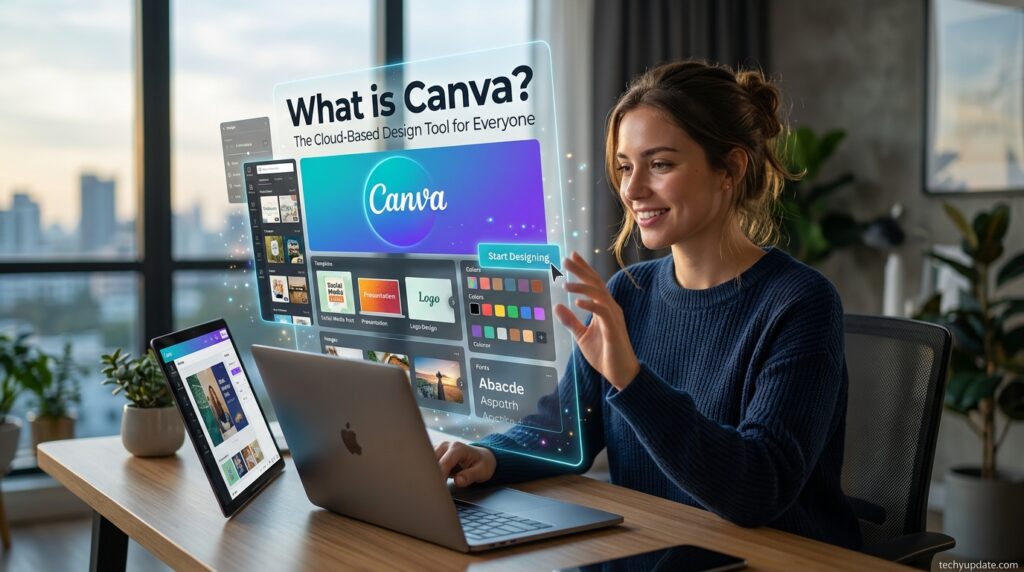
Canva is a web-based design tool that lets anyone create graphics, presentations, videos, and printed materials using a drag-and-drop canvas rather than manual design software. Rather than starting from a blank page, as Photoshop or Illustrator does, Canva opens with a library of templates for everything from Instagram posts to resumes that users customize with their own text, images, and brand colors.
The platform’s core promise is accessibility over precision: it trades some of the fine-grained control a trained designer expects for a learning curve measured in minutes rather than months. That trade-off is exactly why it became the default choice for small business owners, social media managers, and educators who need “good enough, fast” far more often than they need pixel-perfect control.
How Canva Has Evolved
Canva’s early years were defined almost entirely by its template catalog and social-media-first feature set. Over time, the company layered in presentation design tools, a video editor, and a print-on-demand service that lets users order physical copies of what they build.
The more consequential shift happened recently: Canva introduced Magic Studio, a suite of generative AI tools covering text-to-image generation, background removal, and automatic resizing across formats, then acquired Affinity, a professional desktop design suite, folding its photo, vector, and layout apps into the Canva ecosystem at no cost for the non-AI features.
Readers who last used Canva a few years ago and think of it purely as “the template site” are working from an outdated mental model it now behaves closer to a hybrid of a template platform, an AI creative tool, and (through Affinity) a genuine desktop-grade editor.
Is Canva only for social media graphics? Not anymore, while social content is still its strongest lane, the platform now covers presentations, video, print, and, through Affinity, professional-grade vector and photo editing.
Review Methodology

This review is built on hands-on use of Canva’s free, Pro, and Business tiers across real design tasks — social posts, a multi-page presentation, a printed flyer, and a short branded video — alongside a review of Canva’s own documentation and a wide sample of independent user feedback from G2, Trustpilot, and Reddit.
We scored the platform across four criteria: ease of use (how fast a non-designer produces a usable result), feature depth (how far the tool goes beyond templates), pricing fairness (whether the cost matches the value at each tier), and support quality (how Canva behaves when something goes wrong, from billing disputes to technical issues). Scores below reflect that combined testing and research process, not marketing claims from Canva itself.
Key Features

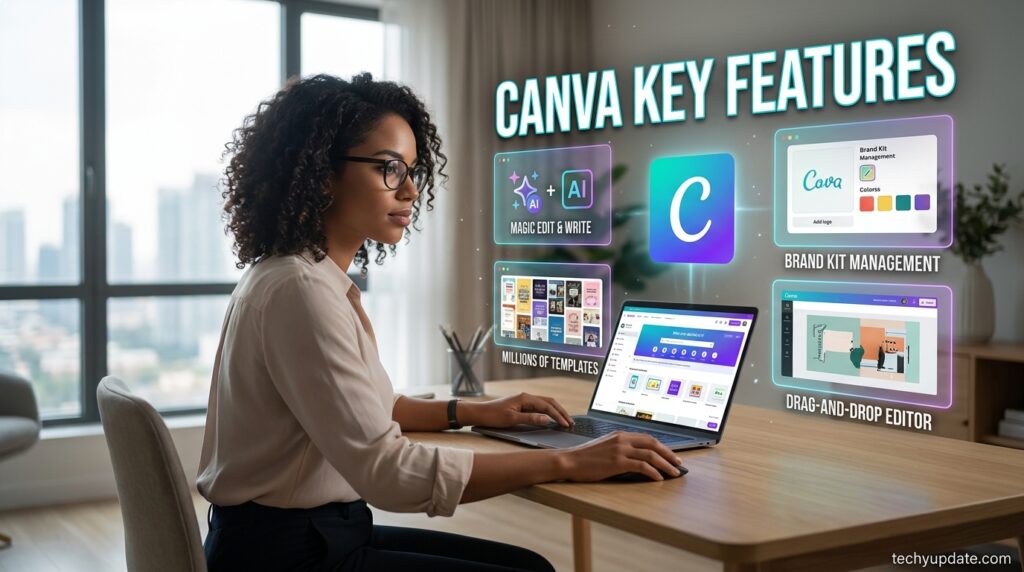
Drag-and-Drop Editor
Canva’s editor is the foundation on which everything else sits. Elements — text boxes, shapes, images, icons — snap to alignment guides automatically, and the interface groups tools into a left-hand sidebar so a first-time user can find “add text” or “upload photo” without a tutorial. For readers wondering “Is Canva good for beginners?” this is the clearest yes in the entire platform: the editor is genuinely built around zero prior design knowledge.
Template Library
With well over a million templates spanning social posts, résumés, posters, and presentations, Canva’s library is among the largest in its category. Templates are searchable by platform (Instagram Story, YouTube thumbnail, LinkedIn banner) and by industry, which considerably shortens the path from blank canvas to finished design.
Magic Studio (AI Tools)
Magic Studio bundles Canva’s generative AI features: Magic Write for on-brand copy drafts, Magic Media for text-to-image and text-to-video generation, Magic Eraser for removing unwanted objects, and Magic Expand for extending an image’s background.
Each tier gets a different monthly allowance of AI “credits” split between Standard and Premium generations, and heavy users on Pro or Business can hit those caps before the month resets. Does Canva’s AI ever run out mid-project? Yes — because the allowance is shared and resets monthly rather than topped up on demand, a busy content week can exhaust the credit pool before the cycle renews.
Background Remover
A one-click tool that isolates a subject from its background, useful for product photos, headshots, and layered compositions. It’s fast and generally accurate on clean, high-contrast images, though it can struggle with fine detail like hair or fur edges — a limitation worth knowing before relying on it for professional product photography.
Brand Kit
Brand Kit stores a business’s logo, color palette, and fonts in one place, so every new design automatically pulls from consistent branding. Pro includes a handful of brand kits; Business scales that up significantly and adds approval workflows so a manager can review designs before they go live, which matters for any team producing marketing material at volume.
Magic Resize
One design, resized automatically across every platform’s dimensions — an Instagram post becomes a Facebook cover and a Pinterest pin in a couple of clicks instead of manual re-layout. This is one of the more genuinely time-saving features for anyone managing multiple social channels.
Canva Print
Canva’s built-in print-on-demand service lets users order physical business cards, posters, flyers, and apparel directly from a finished design, with orders shipped without requiring a separate print vendor relationship.
Content Planner
A lightweight social media scheduler built into Canva that lets users queue posts across a handful of major platforms directly from the design canvas — useful for small teams that don’t want a separate scheduling tool, though it lacks the analytics depth of dedicated social schedulers.
How Canva Handles Different Sub-Use-Cases

Social media graphics: This is Canva’s strongest lane by a wide margin — templates, Magic Resize, and the Content Planner are purpose-built for this exact workflow, and most users can go from idea to published post in under ten minutes.
Presentations: Canva’s presentation tools are solid for pitch decks and internal slides, with animated transitions and a presenter mode, though they lack some of the data-visualization depth power users expect from dedicated tools like PowerPoint for complex charts.
Marketing collateral (flyers, ads, brochures): Strong here too, particularly with Brand Kit keeping every asset visually consistent, though very text-heavy print layouts sometimes need manual nudging that a page-layout specialist would find limiting.
Video editing: Canva’s video tools handle trimming, text overlays, and simple transitions well for short social clips, but they’re not a substitute for a dedicated video editor when a project requires multi-track audio mixing or advanced color grading.
Print design: Genuinely capable for standard formats (business cards, posters, flyers) through Canva Print, though bleed and CMYK color handling can trip up users used to professional print software, and support for non-standard paper sizes is limited.
Technical or highly precise design work: This is Canva’s clearest weak spot — vector editing, typography kerning, and pixel-level control are shallow compared to Illustrator or the newly integrated Affinity Designer, so specialist design work still tends to outgrow Canva’s native tools.
Who It’s For
Small business owners who need social posts, flyers, and basic branding without hiring a designer will find Canva covers nearly everything they need on a single subscription.
Marketing teams and social media managers benefit most from Brand Kit and the Content Planner, since both are built around producing consistent, on-brand content at volume across multiple platforms.
Teachers and students get significant value from Canva’s education-specific templates and, in many regions, free access to Pro-level features through Canva for Education.
Freelancers and content creators use Canva as a fast way to produce client deliverables and personal-brand content without the overhead of a full Adobe subscription.
Non-profits frequently adopt Canva through its free nonprofit program, which unlocks Business-tier features for qualifying organizations at no cost.
Professional designers, by contrast, tend to use Canva only for quick internal or social work, reaching for Adobe’s full suite or the newly available Affinity apps when a project demands finer control.
Real Use Cases / Examples
- A local bakery owner builds a month’s worth of Instagram posts in one sitting using Canva’s social media templates and Brand Kit, keeping fonts and colors consistent, even without a design background.
- A startup’s marketing manager creates an investor pitch deck, using Canva’s presentation tools and Magic Write to draft slide copy, which is then refined.
- A high school teacher designs a set of classroom worksheets and a syllabus handout using Canva for Education’s free access to premium templates.
- A freelance social media consultant uses Magic Resize to turn one client campaign graphic into properly sized versions for Instagram, Facebook, and Pinterest in minutes.
- A small nonprofit orders printed event flyers directly through Canva Print after designing them in-platform, avoiding a separate relationship with a print vendor entirely.
What Canva Isn’t Great At
Being fair to readers means being honest about limits, and Canva has real ones. Vector precision and typography control lag noticeably behind those of Illustrator or InDesign, which shows up quickly in any project requiring exact kerning or complex path editing. AI credit caps frustrate users who lean heavily on Magic Studio, since even Pro’s allowance can run out before a busy month ends, pushing heavy users toward the separately billed AI Pass add-on.
Team pricing has become more expensive since Canva moved from a flat-rate Teams plan to per-seat Business billing, which has meaningfully changed the math for growing teams. Offline access is limited since Canva is fundamentally a browser-first tool, and complex print formatting (non-standard sizes, precise bleed control) may require more manual correction than a dedicated print-design tool would.
Real User Sentiment
Across G2, Trustpilot, and Reddit, the recurring praise centers on how much time Canva saves compared to hiring a designer or learning Adobe’s suite from scratch, with many small business owners describing it as the tool that finally made their marketing look professional without a design budget. Users also consistently highlight the size of the template and stock-asset library as a genuine advantage over smaller competitors.
On the complaint side, the most common frustrations are billing-related: several reviewers report confusion or frustration around the 2024–2025 shift to per-seat team pricing, unexpected renewal charges, and difficulty canceling subscriptions purchased through app stores.
A smaller but consistent thread of feedback indicates that AI credit limits are running out faster than expected for users who rely heavily on Magic Studio. Taken together, the sentiment is strongly positive on the core product and notably more mixed on billing transparency.
Pros & Cons
| Pros | Cons |
|---|---|
| Extremely fast learning curve for non-designers | Vector and typography precision lag behind Adobe/Affinity |
| Huge, well-organized template and stock library | Per-seat Business pricing is pricier than the old flat-rate Teams plan |
| Magic Studio AI tools cover a wide range of tasks in one place | AI credit caps can run out mid-month on heavy usage |
| Brand Kit keeps team output visually consistent | Some reviewers report billing/cancellation friction |
| Built-in print-on-demand removes a separate vendor step | Offline and highly technical print workflows are limited |
| Free tier is genuinely usable long-term | Content Planner is basic compared to dedicated schedulers |
Overall Rating Score
Overall: 4.4/5
- Features: 4.5/5
- Pricing: 4/5
- Ease of Use: 5/5
- Support: 4/5
Getting Started Guide


Signing up takes under two minutes: create a free account with an email address, Google login, or Apple ID, and Canva drops you straight into the editor with the free template library available immediately, no credit card required.
The clearest signal it’s time to upgrade from Free is hitting a premium template or stock asset lock repeatedly, needing Brand Kit to keep a growing content calendar consistent, or running out of the free tier’s AI generation allowance.
Most new users are well served by trying the free 30-day Pro trial before committing to a paid plan, since it lets them make the upgrade decision based on real usage rather than guesswork.
Read more: Canva Plans and Pricing: Alternatives
FAQs
Is Canva good for beginners?
Yes, Canva is widely regarded as one of the most beginner-friendly design tools available, thanks to its drag-and-drop interface, template-first workflow, and a learning curve measured in minutes rather than months.
What is Canva better than Photoshop for beginners?
For beginners specifically, yes — Canva’s template-first approach requires far less design knowledge than Photoshop’s layer-based, precision-focused workflow, though Photoshop still wins for advanced photo editing and technical control.
Does Canva have AI-generated design tools?
Yes, Canva’s Magic Studio suite includes AI-powered image and video generation, background removal, and writing assistance, with each subscription tier receiving a different monthly usage allowance.
What are Canva’s biggest weaknesses?
Canva’s clearest weaknesses are limited vector and typography precision compared to professional tools, AI credit caps that can run out mid-month, and pricier per-seat team billing than its earlier flat-rate plan.
Conclusion
Canva earns its reputation as the default starting point for non-designers who need professional-looking output fast. The editor’s learning curve is genuinely close to zero, the template and AI toolset now stretches well beyond social graphics into presentations, video, and print, and the free tier remains generous enough that most casual users never feel pressured to pay.
It isn’t the right tool for specialist design work — vector precision, exact typography control, and complex print formatting are real limitations — and its per-seat team pricing has gotten less forgiving since the shift away from flat-rate Teams billing.
Real user sentiment backs this up almost exactly: strong praise for the core design experience, tempered by recurring frustration over billing clarity and AI usage caps. For the overwhelming majority of solo creators, small businesses, and marketing teams, Canva remains one of the strongest value propositions in its category, and this review’s overall 4.4/5 score reflects a tool that delivers on its core promise even where a few sharp edges remain.