

Updated : Updated See what changed ↓
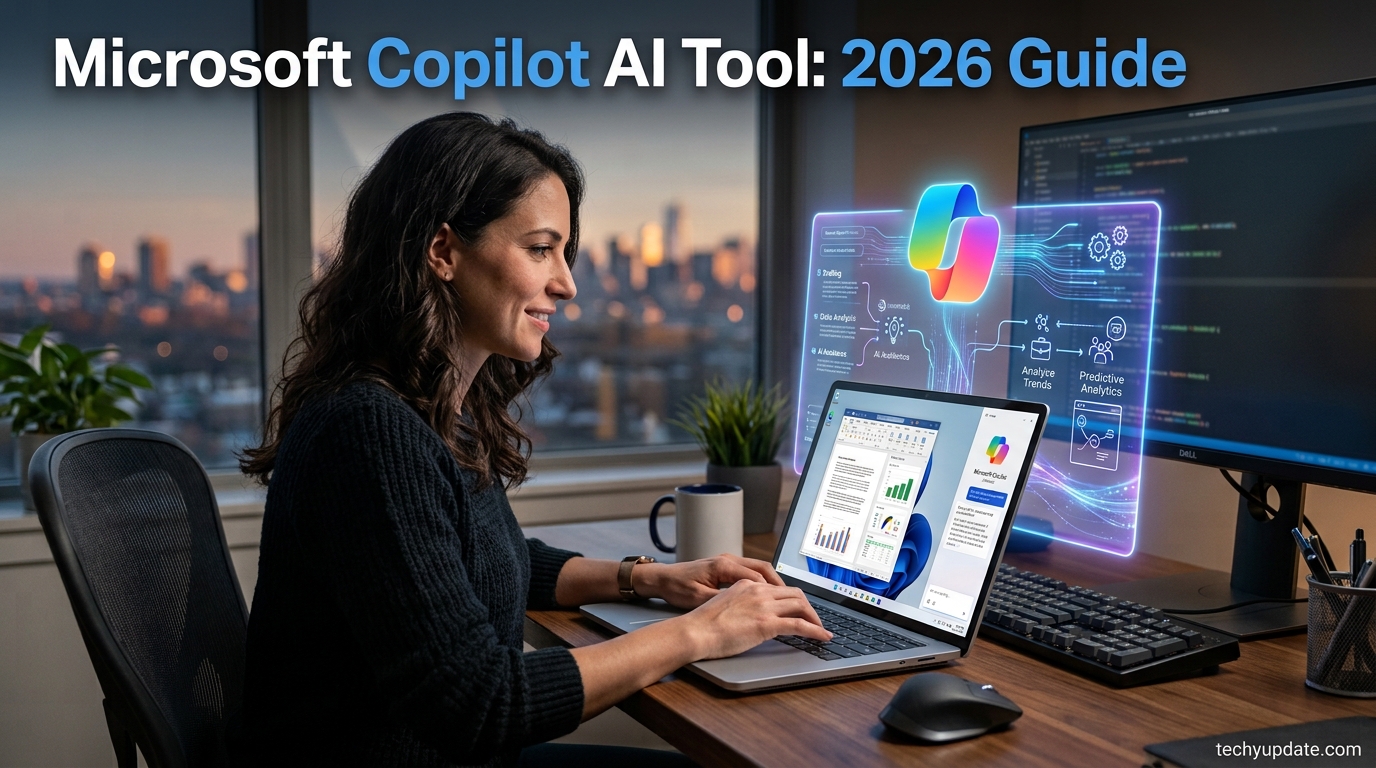
If you use Windows, Outlook, Word, or Excel, you’ve probably already bumped into Microsoft Copilot in one form or another — a small icon in the corner of an app, a chat panel, or a voice prompt on your phone. What’s changed in 2026 is how much Copilot can now do on its own, and how Microsoft prices that capability differently depending on whether you’re a solo user or an enterprise IT department.
What's new in Microsoft Copilot
Microsoft Copilot adds Excel tools and shared workspaces
Microsoft’s October 2026 update expands Copilot into Excel with an interactive canvas, clean‑data and accounting skills, and launches shared Copilot Workspaces for real‑time collaboration.
- Who gets it: Microsoft 365 users on the Frontier rollout, with broader availability planned later.
- Where: Features appear inside Excel, PowerPoint, Word, Teams and the new Copilot Workspaces within the Microsoft 365 suite.
- Cost: The update is included in existing Microsoft 365 subscriptions; no separate pricing is announced.
- How to use it: In Excel, invoke the canvas to turn data into visual reports and run the clean‑data or accounting skills via Copilot prompts. In Workspaces, open or create Word, Excel or PowerPoint files directly and see teammates’ live cursors.
- What it means: The tools shift Copilot from a chat‑only helper to a persistent, collaborative assistant that can prepare, analyze and present data without leaving the workspace.
For buyers, the update makes Microsoft Copilot a stronger choice if you need AI‑driven data prep and team‑wide collaboration, but organizations that rely on separate, lightweight AI add‑ons may prefer simpler solutions.
Sources:
Earlier updates
- Microsoft Copilot adds 20+ legal skills for contracts and cases
This overview breaks down what Microsoft Copilot actually is today, its core features across the free and paid tiers, and — because this is the part that trips up the most people — exactly what changed with Microsoft’s July 1, 2026 pricing update. That update introduced new bundled subscription options and pushed the industry further toward paying for AI “agents” by usage rather than by seat alone.

It also matters right now because Microsoft quietly retired Copilot Pro, the old $20/month standalone consumer plan, on August 1, 2026. If you were one of the people paying for that plan, this guide covers exactly what replaces it and whether the replacement is a good deal for your situation.
Beyond pricing, 2026 has also been the year Copilot stopped being just a chatbot inside your apps. With the general availability of Copilot Cowork, Microsoft’s assistant can now take a task from start to finish and hand back a completed deliverable, not just a first draft. Whether that shift is worth paying for depends heavily on how you work — and that’s exactly what the rest of this guide will help you figure out.
By the end, you’ll know what Copilot includes at each price point, who it’s genuinely useful for, and how it stacks up against the AI tools people most often compare it to. We’ll also flag which changes are cosmetic and which ones actually affect your monthly bill, since Microsoft has rolled out enough SKU changes this year that even IT teams have struggled to keep the naming straight.
Why Accurate Categorization + Sourcing Matters Here
Microsoft Copilot spans consumer, business, and developer tiers with pricing and features that shift almost monthly, so a mismatched intent (e.g., writing this as a “review” instead of an overview) would answer the wrong question and increase bounce rate. Sourcing directly from Microsoft’s own pricing and product update pages protects against outdated third-party figures that circulate widely on this topic, while also strengthening Google’s relevance signal for a fast-moving product category.
Brand Authority & Trust Layer
Author: techyupdate.com Editorial Team | Last Updated: August 1, 2026
This overview was compiled from Microsoft’s official Microsoft 365 Copilot blog, Microsoft Learn partner announcements, and Microsoft’s December 2025 pricing announcement, cross-checked against multiple independent licensing trackers for consistency. Paraphrased user sentiment (not quoted) suggests that business users generally see the fastest returns from Outlook and Teams integration, while some IT buyers find the multi-tier pricing structure harder to budget for than a flat per-seat fee.
One named limitation: real-world “hidden cost” categories such as metered Copilot Chat workloads and Copilot Studio overage can push effective spend well above the published seat price, so treat list prices as a floor, not a ceiling.
Recent Updates (2026): Microsoft raised the price of the Microsoft 365 Copilot add-on and bundled pricing on July 1, 2026, introducing new bundled SKUs and shifting toward consumption-based billing for agents. Copilot Cowork, an agentic system that completes full tasks rather than drafts, reached general availability worldwide in June 2026. Copilot Pro, the old standalone consumer plan, stopped renewing on August 1, 2026; Microsoft 365 Premium is now the direct replacement.
Quick Facts Box
If you’ve held off on trying Copilot because the pricing felt confusing, that confusion is fair — but the picture has settled enough by mid-2026 that a clear before-and-after comparison is finally possible, and that’s exactly what this guide sets out to give you.
Table of Contents
What Is Microsoft Copilot?
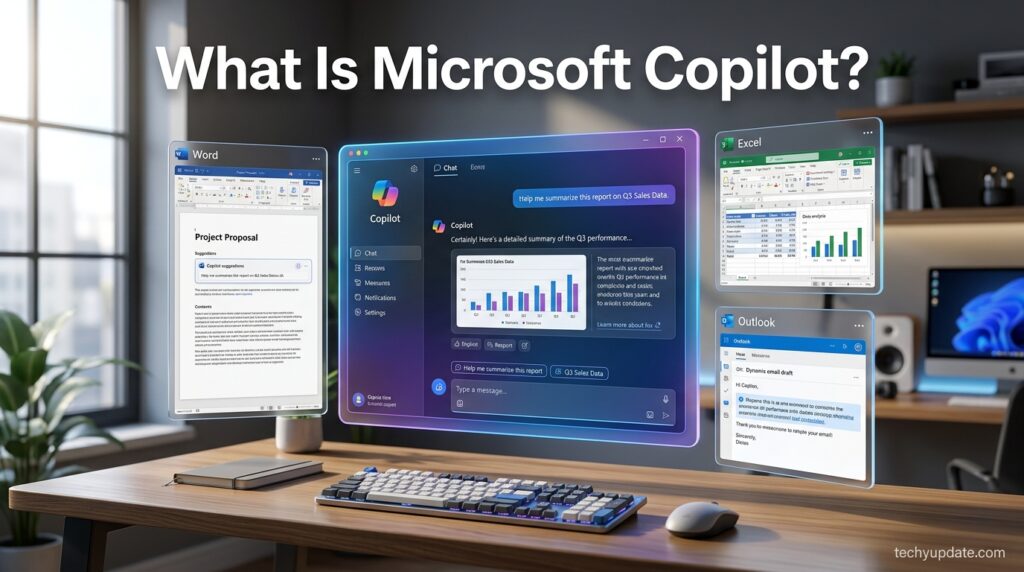
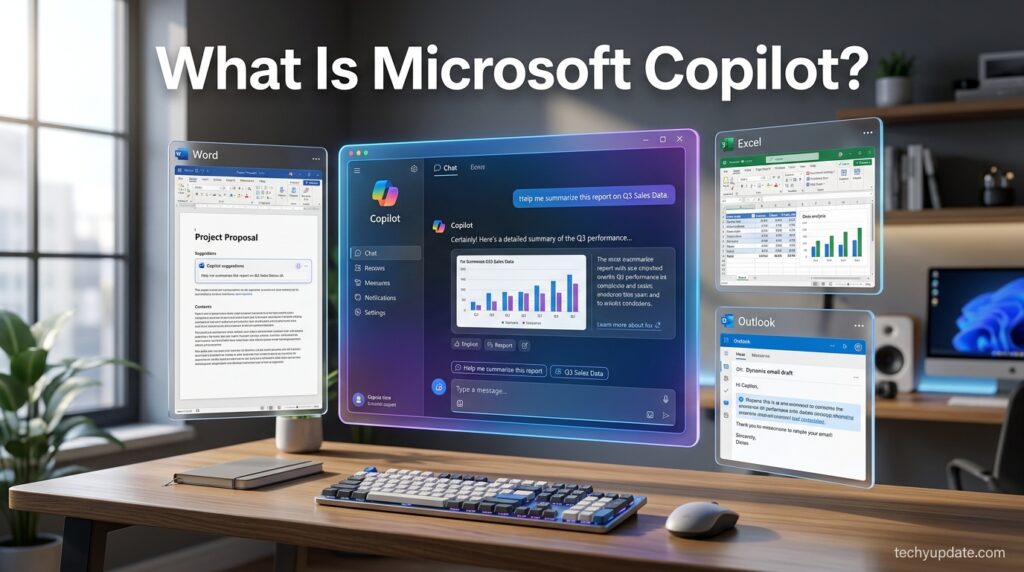
Microsoft Copilot is Microsoft’s AI assistant, built into Windows, Microsoft 365 apps (Word, Excel, PowerPoint, Outlook, Teams), Edge, and a standalone mobile and web app. At its simplest, it’s a chat-based helper that can answer questions, draft text, and summarize documents. At its most advanced tier, it connects to your actual emails, files, and calendar via Microsoft Graph, grounding answers in your organization’s real data rather than generic web knowledge.
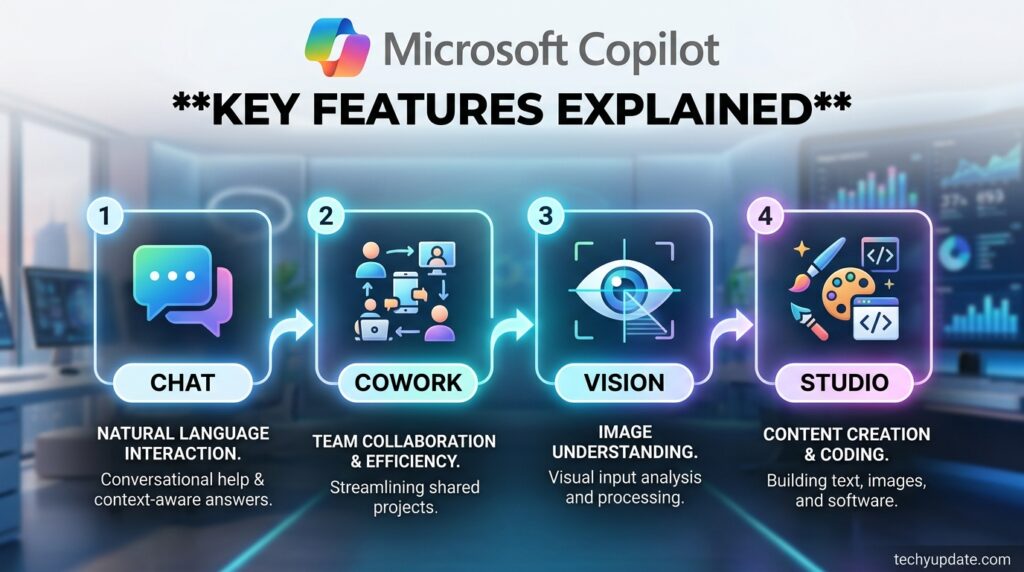
The free layer is called Copilot Chat — a web-grounded AI chat with limited capabilities that doesn’t access your organization’s internal data. The paid Microsoft 365 Copilot add-on unlocks deep integration and, as of 2026, agentic multi-step task execution through a system called Copilot Cowork, which plans and completes entire tasks rather than returning a single response.
Key Specs & Features
- Copilot Chat — free, web-grounded chat available inside select Microsoft 365 apps.
- Microsoft 365 Copilot — the paid add-on with full Graph integration across Word, Excel, PowerPoint, Outlook, and Teams.
- Copilot Cowork — an agentic system, generally available since June 2026, that executes multi-step tasks end-to-end and returns a finished deliverable, billed on usage.
- Copilot Vision — lets you share your screen or phone camera during a voice session so Copilot can answer questions about what it sees.
- Copilot Studio — the platform for building custom internal or external agents, included with Microsoft 365 Copilot licenses for internal use.
- Model choice — Microsoft has expanded beyond its own models, adding Anthropic’s Claude Opus 4.8 as a selectable option for complex, multi-step work.
- Deep citations and Regenerate — let users verify sourced answers and quickly try an alternate response or switch models without restarting a conversation.
What’s New vs. Previous Version
The biggest shift from 2025 to 2026 is the move from a single chatbot experience to an “agent economy.” Copilot Cowork, which reached general availability in June 2026, marks the clearest example: instead of drafting a response for you to finish, it completes an assigned task and delivers a finished output.
Alongside this, Microsoft opened the general availability of Work IQ APIs in June 2026, the underlying layer that grounds Copilot, Cowork, and Microsoft’s newer autonomous agent, Scout, in how your organization actually works. The interface itself was also redesigned in mid-2026 toward a simpler, chat-centered layout.
Release Date & Availability
Microsoft Copilot is now available across Windows, Microsoft 365 apps, Edge, iOS, and Android, with no separate release date, as it ships as a continuously updated service. The one hard date to know is August 1, 2026, when standalone Copilot Pro subscriptions stopped renewing for existing users, with Microsoft 365 Premium positioned as the ongoing consumer replacement.
Pricing
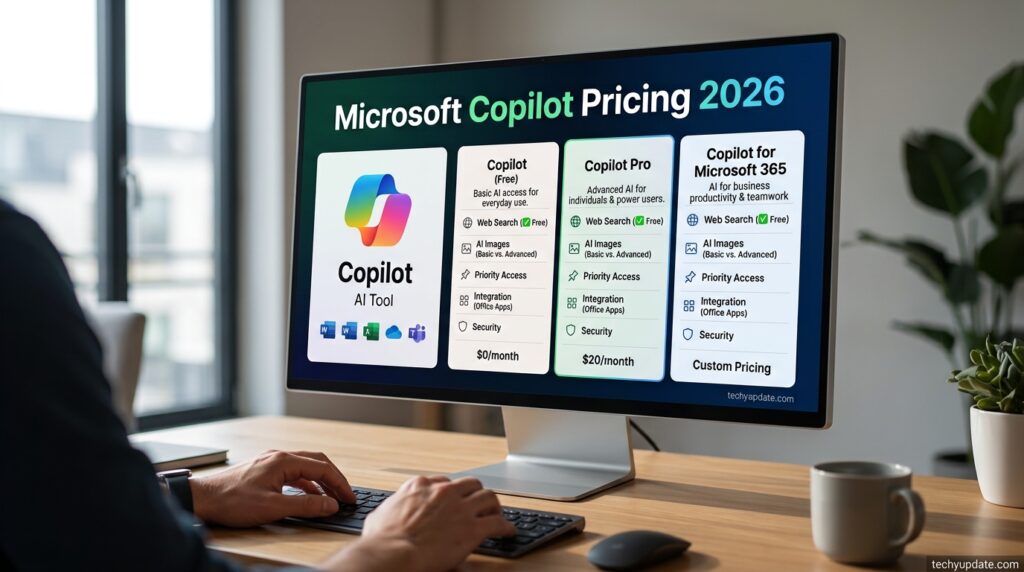
Microsoft’s July 1, 2026 pricing update reshaped nearly every tier:
| Plan | Price | Notes |
|---|---|---|
| Copilot Chat | Free | Web-grounded, no org data access |
| Microsoft 365 Premium | $19.99/month | Replaces Copilot Pro for consumers; includes full Office apps + 6TB OneDrive |
| Microsoft 365 Copilot (add-on) | ~$21–$30/user/month | Price depends on base plan and organization size |
| Business Standard + Copilot | $23.50/user/month | New bundled SKU, effective July 1, 2026 |
| Business Premium + Copilot | $32/user/month | New bundled SKU, effective July 1, 2026 |
| Copilot Studio (external agents) | $200 per 25,000 credits/month | Consumption-based, pay-as-you-go via Azure also available |
Note the shift to Copilot Credits, which replaced the older per-message billing model in September 2025 and now underpins usage-based charges for Cowork and Studio agents, in addition to the base seat price.
Who It’s For
Microsoft Copilot fits naturally for people and teams already living inside Microsoft 365 — Outlook for email, Teams for meetings, Word and Excel for documents. Business users who want AI to summarize meetings, draft emails, or analyze spreadsheets without switching apps get the most immediate value, especially once Cowork is enabled for larger, multi-step projects.
How It Compares to Alternatives
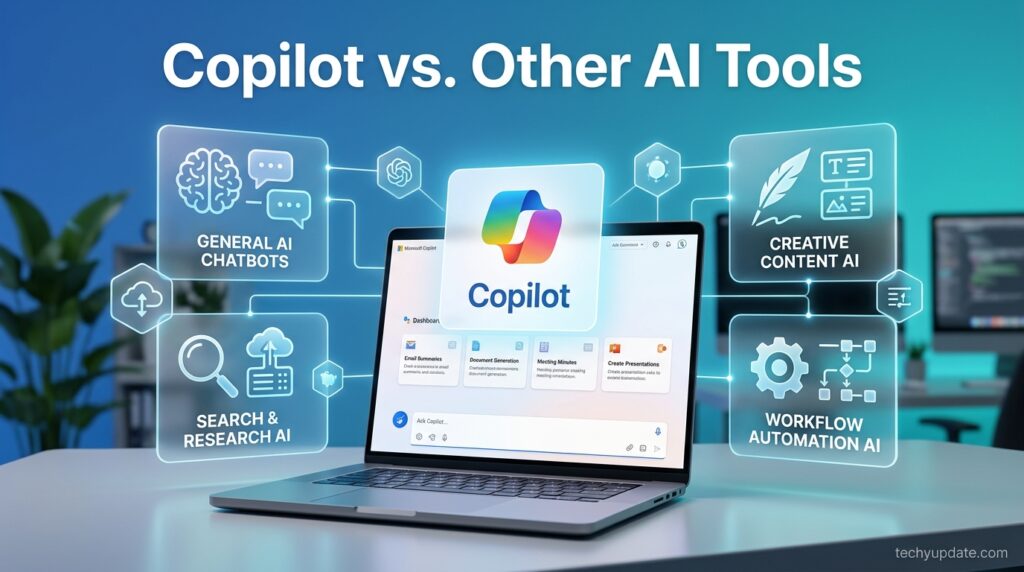
Compared with ChatGPT and Google Gemini, Copilot’s advantage is depth of integration rather than raw model power — it now lets organizations select models like Claude Opus 4.8 inside the same interface, rather than forcing a single in-house model. Gemini still has the edge for Google Workspace users, and ChatGPT remains the more flexible general-purpose assistant, but neither matches Copilot’s native reach across Outlook, Excel, and Teams for existing Microsoft 365 customers.
Read more: Microsoft Agent Framework Pricing & Alternatives
Read more: Microsoft Agent Framework Review 2026: Pricing & LangGraph
Read more: Microsoft Agent Framework vs LangGraph Comparison
FAQ
Is Microsoft Copilot free to use?
A limited version called Copilot Chat is free and web-grounded, but it doesn’t access your organization’s files or email. Full integration requires the paid Microsoft 365 Copilot add-on or a Microsoft 365 Premium subscription.
What happened to Copilot Pro?
Copilot Pro stopped renewing for existing subscribers on August 1, 2026. Microsoft 365 Premium, priced at $19.99/month, is the direct replacement and includes the full Office desktop apps plus 6TB of OneDrive storage.
What is Copilot Cowork?
Copilot Cowork is an agentic system that reached general availability in June 2026. Instead of returning a draft, it plans and completes an entire assigned task, delivering a finished result billed on usage.
How much does Microsoft 365 Copilot cost for businesses?
As of the July 2026 pricing update, the add-on runs roughly $21–$30 per user per month depending on the base plan, with new bundled options like Business Premium + Copilot priced at $32/user/month.
Conclusion
Microsoft Copilot in 2026 is no longer a single product with one price tag — it’s a tiered system spanning a free chat assistant, a consumer subscription, and a business add-on that increasingly bills based on actual usage rather than seat count alone. The single most useful takeaway is this: if you’re still paying for the old Copilot Pro plan, that subscription stopped renewing on August 1, 2026, and you need to actively switch to Microsoft 365 Premium or another plan before you lose access to the features you rely on.
For everyone else, the decision comes down to how deeply you live inside Microsoft 365. If your daily work already runs through Outlook, Teams, Word, and Excel, the paid Copilot tier’s ability to ground answers in your real files and inbox is hard for general-purpose chatbots to match. If you’re a lighter user who mostly wants a general AI assistant, the free Copilot Chat tier or a competitor like ChatGPT may cover your needs without an added subscription.
Before you commit to a plan, check your current subscription against the new July 2026 pricing table above, confirm whether your organization needs agentic features like Cowork, and start with the lowest tier that covers your actual workflow — you can always upgrade once you know exactly where the free tier falls short.
As a next step, open your Microsoft 365 admin center (or personal account settings, if you’re on a consumer plan) and confirm which tier you’re currently billed on before the next renewal cycle. That single check will tell you more about whether you’re overpaying or under-equipped than any generic comparison chart ever could.