

Synthesia’s pricing looks simple on the surface: four tiers, clear monthly numbers, but the real cost depends on billing cadence, per-seat structure, and how video minutes are metered. This section breaks down exactly what each plan includes, where the hidden costs sit, and which alternatives make sense depending on your budget and use case.
The numbers below are pulled directly from Synthesia’s pricing page and cross-referenced with multiple 2026 third-party breakdowns, since this is a fast-changing tool and older cached figures circulate widely. Where sources disagreed slightly (a common issue with credit-based SaaS pricing), the most recent official figure is used and flagged.
Visit the official Synthesia website →
Table of Contents
Full Pricing Tier Breakdown
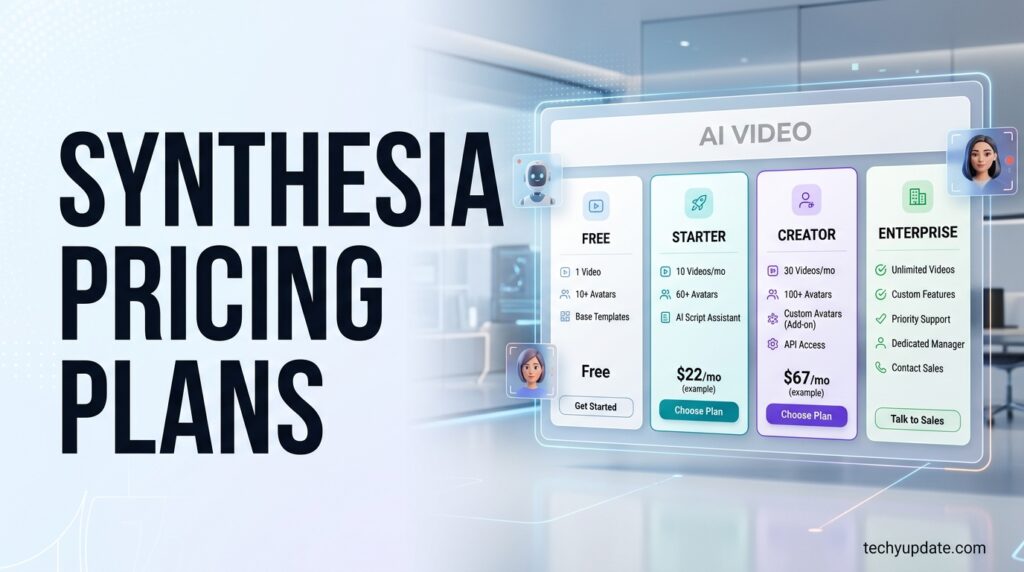
Synthesia runs a four-tier, credit/minute-based model: plans remain grouped into Basic (free), Starter, Creator, and Enterprise tiers, with annual billing unlocking meaningfully lower monthly rates than paying month-to-month.
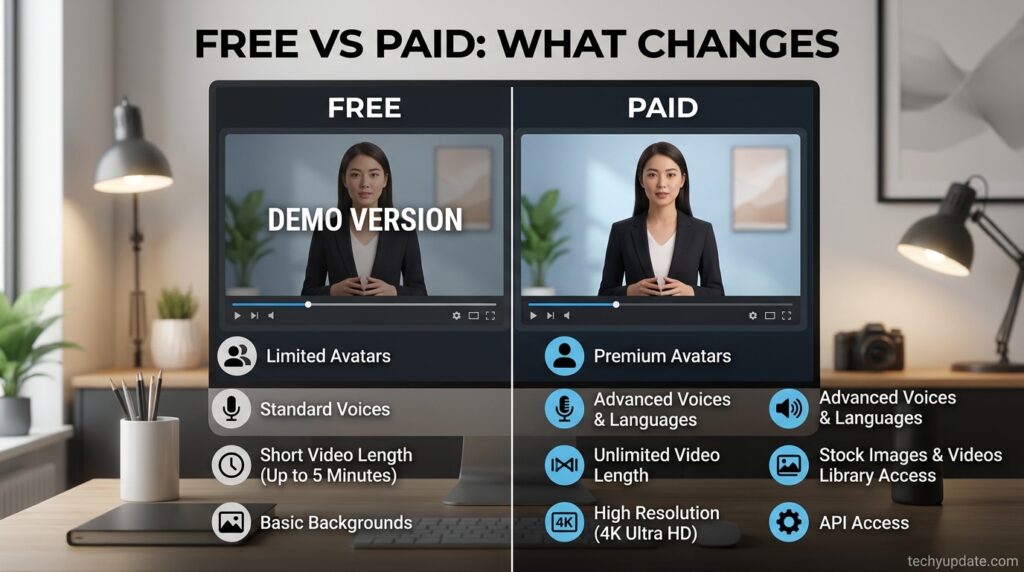
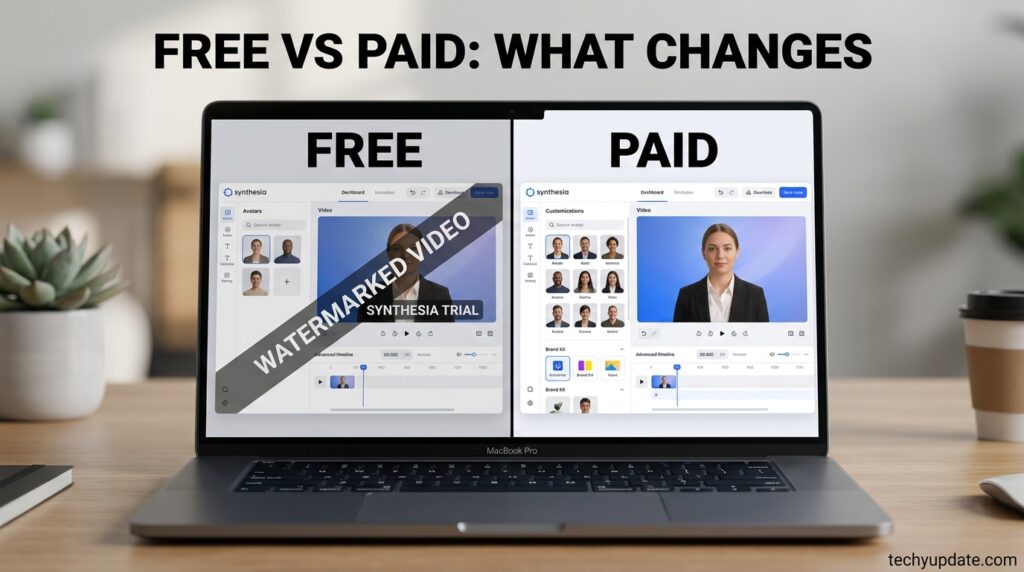
Free (Basic): The free plan lets you create AI avatar videos with no credit card required, access around 9 stock avatars, and generate in 160+ languages, though output is limited (reports range from roughly 3–10 minutes/month depending on the update cycle), watermarked, and not downloadable as MP4.
Starter: Starter costs $29/month billed monthly, or roughly $18–$22/month billed annually, depending on the current promotion, and includes around 10 minutes of video per month plus 125+ avatars, logo removal, and video download.
Creator: Creator costs $89/month billed monthly, or roughly $64/month billed annually, and includes 30 minutes/month, 180+ avatars, 5 personal avatars, multiple avatars per scene, interactive video, and API access.
Enterprise: Custom-quoted pricing with unlimited minutes, the full avatar library (240+), SAML/SSO, SCIM provisioning, and SCORM export for LMS integration.
Feature-per-Tier Table
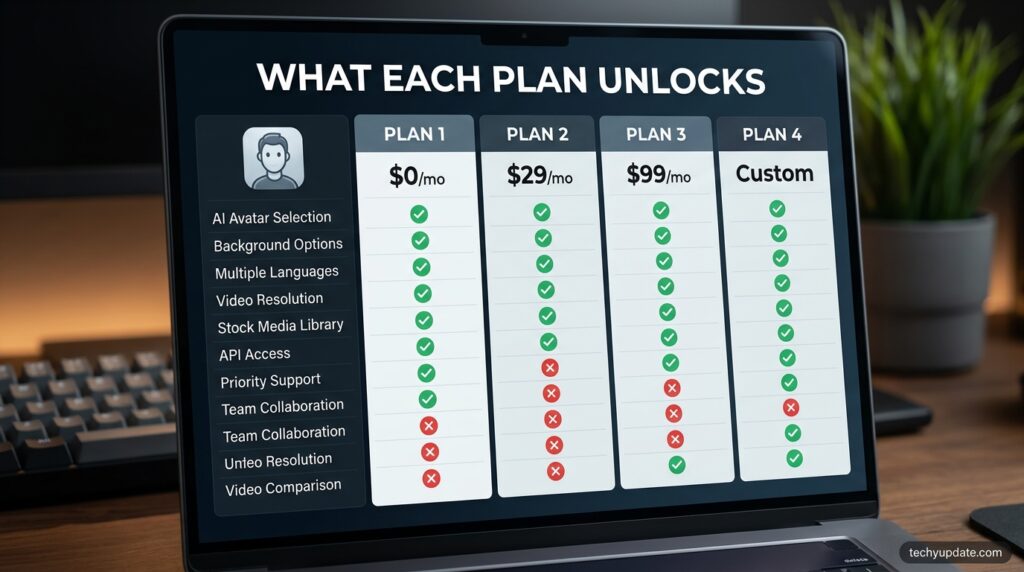
| Feature | Free | Starter | Creator | Enterprise |
|---|---|---|---|---|
| Video minutes/month | ~3–10 | ~10 | ~30 | Unlimited |
| Stock avatars | ~9 | 125+ | 180+ | 240+ |
| Personal/custom avatars | ✗ | 3 (add-on) | 5 | Unlimited |
| Logo/watermark removal | ✗ | ✓ | ✓ | ✓ |
| API access | ✗ | ✗ | ✓ | ✓ |
| SSO/SCIM | ✗ | ✗ | ✗ | ✓ |
| SCORM export | ✗ | ✗ | ✗ | ✓ |
Hidden Costs
The single biggest hidden cost is per-seat pricing: Synthesia charges per editor seat, so each teammate who creates videos needs a separate paid plan, and minutes do not pool across seats, while guest reviewers do not count toward that total. This means a five-person team isn’t paying for one Creator subscription — it’s roughly five separate Creator subscriptions, or about $445/month at the monthly rate, since each seat carries its own minute allowance with no way to share surplus minutes.
A second cost layer: custom avatars. Creating a Studio Express-1 custom avatar is a paid add-on priced at $1,000/year and is only available to annual plan users. Overage minutes, when available, run roughly $2 to $5 per extra minute on the paid tiers.
Free Plan Analysis
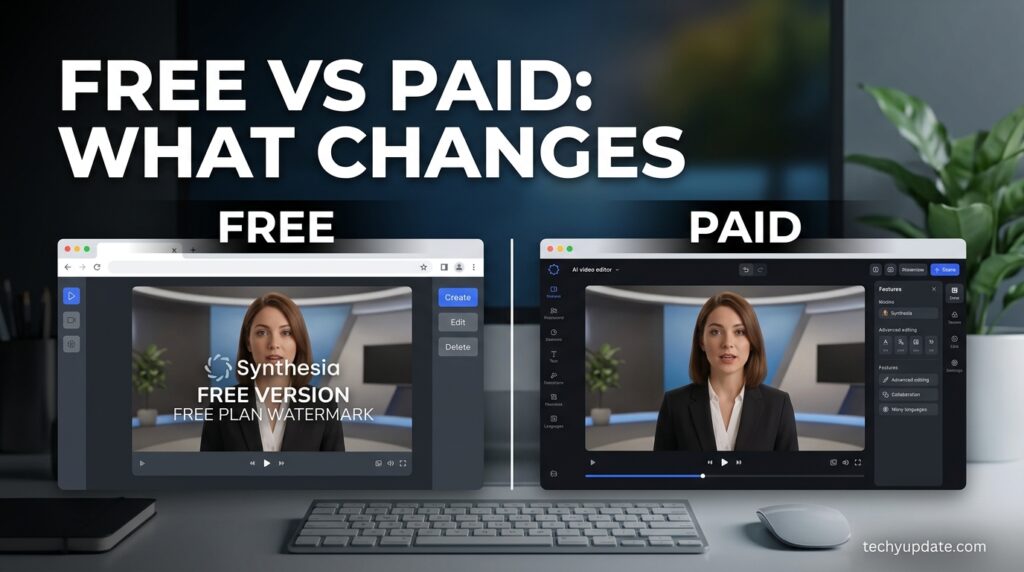
The free plan works well as a procurement evaluation tool — it’s mostly useful for testing avatar quality and the editor before paying, not a tier you’d actually produce from. The 1-editor, no-guest-access structure and restricted avatar selection mean any serious evaluation requiring collaboration or branding will quickly exceed the plan’s constraints, and most users should expect to upgrade within their first month of serious testing.
API/Developer Pricing
API access is gated to Creator plan and above — Creator at $89/month includes API access, making it the entry point for teams wanting to automate video generation programmatically rather than through the manual editor. Enterprise customers get expanded API rate limits and support, but exact developer pricing beyond the Creator tier isn’t publicly listed — this is a figure to confirm directly with sales.
Annual vs Monthly Billing
The gap between billing cycles is substantial and consistent across sources: Starter’s best price requires an annual, upfront commitment — month-to-month billing runs about 32% higher than the advertised annual rate. The same pattern holds on Creator, where the plan dropped from $89/month to $64/month specifically for annual billing. If your usage is predictable, annual billing is close to a “free” discount; if you’re still evaluating, the monthly rate protects flexibility at a real cost premium.
Value-for-Money Verdict
For predictable, script-driven corporate workflows training modules, onboarding, internal explainers — Synthesia’s pricing works well because yearly minute limits make it easy to estimate costs in advance, which is why the pricing model fits repeatable course content particularly well. It’s a weaker value proposition for teams with unpredictable output, frequent revisions, or growing headcounts, since teams that need frequent revisions, longer lessons, or more collaboration often move through minute limits faster, pushing them into higher pricing tiers sooner than expected.
Top 5 Alternatives (Including Best Free Options)
1. HeyGen — The closest direct competitor; stronger avatar realism and larger stock library, weaker on predictable enterprise pricing due to its credit-burn system on premium avatar tiers. Covered in full in the dedicated comparison ahead.
2. Colossyan — Positioned specifically for LMS-integrated training content, making it a strong pick for L&D teams that need tighter course-platform integration than Synthesia offers out of the box.
3. D-ID — The cheapest option in the AI avatar category at around $5.90/month, though it works from photo-to-talking-head animation rather than Synthesia’s full stock-avatar-and-scene editor — a real trade-off for anyone who needs polished scene composition.
4. VEED — Offers the lowest barrier to entry with aggressive annual discounts, around $12/month annually, and leans toward full timeline editing rather than avatar-first workflows — a better fit for teams that want traditional video editing with AI features layered on top.
5. Arcade — Not an avatar tool at all, but a strong free-alternative angle for SaaS and product marketing teams specifically, generating product video from screen recordings, demos, or Figma files with AI voiceover and no minute caps, at $32/user/month.
Best free alternative overall: For anyone specifically searching for a “free alternative to Synthesia,” D-ID’s low entry price and free-adjacent tier make it the most accessible in terms of cost, though it sacrifices Synthesia’s slide-based scene editor and enterprise avatar library.
Alternatives Comparison Table
| Tool | Starting Price | Best For | Key Trade-off |
|---|---|---|---|
| HeyGen | $29/mo (free tier) | Avatar realism, marketing | Credit system on premium avatars |
| Colossyan | Custom/tiered | LMS-integrated training | Smaller avatar library |
| D-ID | ~$5.90/mo | Budget photo-to-video | No full scene editor |
| VEED | ~$12/mo annual | Timeline editing + AI | Not avatar-first |
| Arcade | $32/user/mo | SaaS product demos | Not an avatar tool |
Who Should Pick What
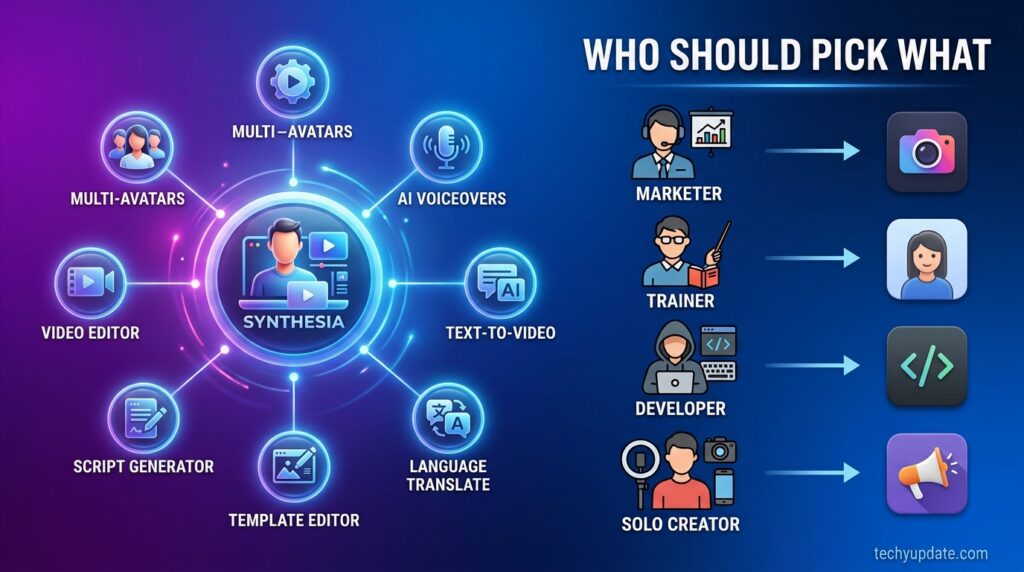
- Corporate L&D teams: Synthesia Creator or Enterprise, for SCORM export and structured collaboration.
- Budget-conscious solo creators: D-ID or Synthesia Starter, depending on whether avatar scene composition matters more than raw price.
- Marketing teams need realism: HeyGen, for stronger avatar expressiveness.
- SaaS/product marketers: Arcade, since screen-recording-based demo videos fit that workflow better than avatar-led scripts.
Read more: Synthesia Review 2026: Is It Legit?
Read more: Synthesia vs HeyGen 2026
FAQ
Is there a free alternative to Synthesia?
Yes — D-ID offers a low-cost entry point for photo-to-talking-head video, and Synthesia’s own free plan works for evaluation, though it’s watermarked and capped in minutes.
Does Synthesia charge per seat or per team?
Per seat. Each teammate who creates videos needs their own paid plan, and minute allowances don’t pool across seats.
Is annual billing worth it for Synthesia?
If your usage is predictable, yes — annual billing meaningfully lowers the monthly rate on both Starter and Creator plans compared to paying month-to-month.
What’s the cheapest way to get a custom avatar?
On Synthesia, custom avatars cost $1,000/year as an add-on. HeyGen currently offers custom avatar creation within its Creator plan at a much lower entry cost.
Conclusion
Synthesia’s pricing is transparent on the surface but hides real complexity in per-seat multipliers and add-on costs, such as custom avatars. It’s genuinely good value for predictable, single-editor corporate workflows, and a weaker deal for growing teams or anyone needing frequent revisions. If budget is the primary constraint, D-ID or Synthesia’s own free tier are the most realistic starting points — for realism-first marketing use cases, HeyGen (covered next) is the stronger alternative to weigh directly.