


Creating a professional website no longer requires coding skills, expensive developers, or weeks of design work. Thanks to artificial intelligence, anyone can build a modern, responsive, and visually appealing website in just a few minutes. One of the most innovative platforms driving this transformation is the DoraAI website builder, an AI-powered tool that simplifies web design for beginners, freelancers, startups, agencies, and businesses of all sizes.
Unlike traditional website builders that rely on drag-and-drop templates, the DoraAI website builder tool uses advanced AI to generate complete website layouts from simple text prompts. Users can describe their business, portfolio, or project, and the platform instantly creates a unique website with engaging layouts, animations, and responsive sections.
This dramatically reduces the time and effort needed to launch a professional online presence while maintaining creative flexibility.

Whether you’re building a personal portfolio, business website, landing page, SaaS homepage, or creative showcase, the DoraAI website builder offers an intuitive workflow to transform ideas into fully functional websites.
Its AI-driven design engine produces visually impressive pages while allowing users to customize colors, typography, images, and content without touching a single line of code. This makes it an excellent choice for creators who value both speed and design quality.
As AI-powered web development continues to grow in popularity, tools like DoraAI are changing how websites are designed and published. Instead of starting with blank canvases or generic templates, users can generate personalized websites tailored to their goals, saving valuable time while improving productivity.
Businesses can launch marketing campaigns faster, freelancers can deliver projects more efficiently, and entrepreneurs can establish their online presence without hiring a professional development team.
Quick Verdict:
Dora AI is a prompt-based, no-code website builder designed specifically for 3D and animated design — a genuinely distinct niche from generic builders like Wix. It’s free to start, generous with its 120 starter credits, and excellent for portfolios and campaign pages. But it’s still in alpha, support and refund handling draw real complaints, and it isn’t the right pick if you need a mature CMS or e-commerce backend. Best for: designers, freelancers, and creative agencies who want a standout, animated site fast. Skip it if: you need rock-solid reliability or built-in blogging/SEO tooling today.
Table of Contents
Dora AI Review 2026: Is It Legit?
DoraAI website builder tool: features, pricing, benefits, pros and cons, use cases, and how it compares with other AI website builders available today. By the end, you’ll have a clear understanding of whether this cutting-edge AI website builder is the right solution for creating your next website quickly, efficiently, and professionally.
If you’ve ever wished you could just describe a website out loud and watch it appear, Dora AI is built for exactly that fantasy. It’s a text-to-website generator that skips templates entirely, producing original layouts, copy, and even 3D animation from a single prompt.

That pitch has made it a favorite among designers migrating from Figma, and a curiosity for anyone who’s tired of dragging blocks around a generic page builder. But “different” isn’t the same as “ready for your business.”
In this Dora AI review 2026, we’ll walk through what Dora actually does well, where it genuinely struggles, what it costs, and whether a free alternative might serve you just as well. We verified every claim against Dora’s own site and independent tracking sources, and we’ll flag anything that’s still in flux.
By the end, you’ll know exactly who Dora AI is built for — and who should look elsewhere.
What Is Dora AI?
Dora AI (dora.run) launched as a no-code 3D website builder, positioning itself against template-driven tools by generating each site from scratch based on a written prompt. It emerged from a small team with a public presence on Product Hunt, where it launched to enthusiastic early interest.
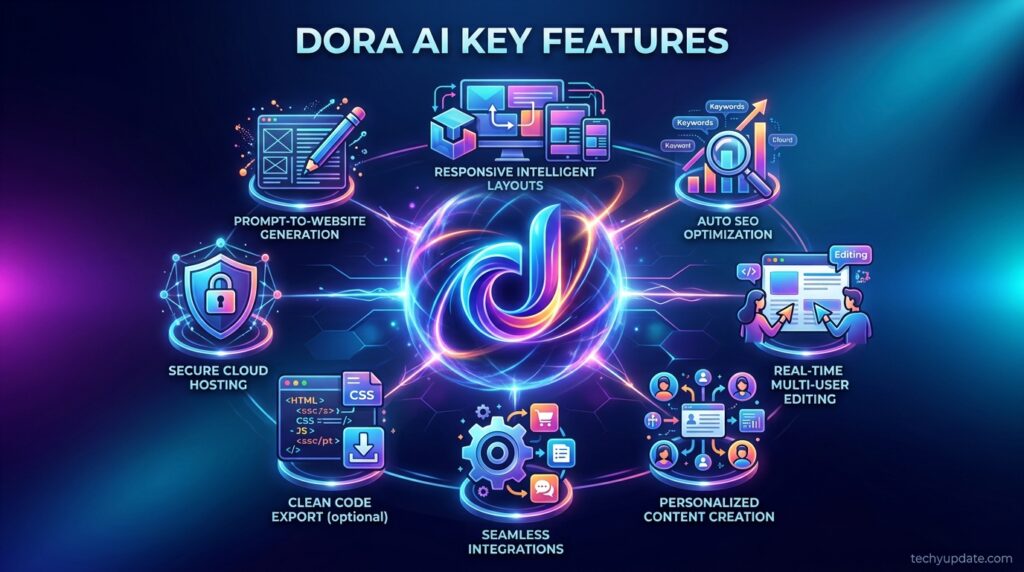
Unlike most AI site builders that reshuffle stock templates, Dora’s pitch is that every layout, copy block, and visual choice is generated fresh per prompt — no recycled sections. The platform is still labeled alpha/beta, meaning features and pricing can shift as the product matures.
Its closest identity is part AI generator, part Figma-style visual editor — you can start from a prompt, then fine-tune everything by hand. This dual nature is central to understanding both its strengths and its rough edges.
Key Features
Dora’s feature set centers on speed and visual flair rather than business infrastructure:
- Text-to-website generation — describe a site, and Dora produces a full, responsive layout with original copy and imagery.
- 80+ AI design styles — from minimalist to bold and experimental, either auto-selected or manually chosen.
- No-code 3D animation — import 3D objects (glb, fbx, obj, and more) and layer in scroll-triggered, interactive effects without writing a line of code.
- Figma import — bring existing Figma files in and convert them into a live, editable Dora project.
- Drag-and-connect constraint layout — a responsive layout engine that automatically adapts designs across screen sizes.
- Instant publishing with SSL — free sites go live on a dora.Run the subdomain immediately.
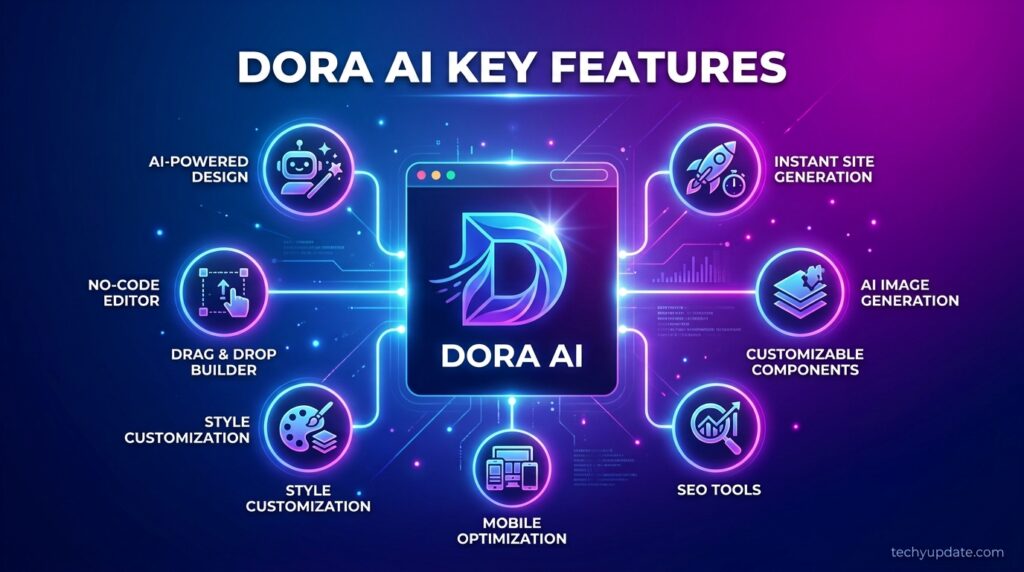
Taken together, these features make Dora one of the few builders where 3D animation is a first-class citizen rather than a bolted-on plugin.
Is Dora AI Legit?
Yes, Dora AI is a legitimate, actively developed product, not a scam. It has a real team, a public Product Hunt launch history, an active Discord community, and a functioning free tier that thousands of users have published sites on.
That said, “legit” doesn’t mean “risk-free.” Because it’s still in alpha, some users have reported billing and refund friction after canceling paid plans — a fair concern to weigh before entering card details, which we cover in detail further down.
If your worry is “is this a fake AI wrapper with no real product behind it,” you can set that aside. If your worry is “will support be responsive if something goes wrong with billing,” that concern has some basis in real user reports.
Who It’s For / Real Use Cases
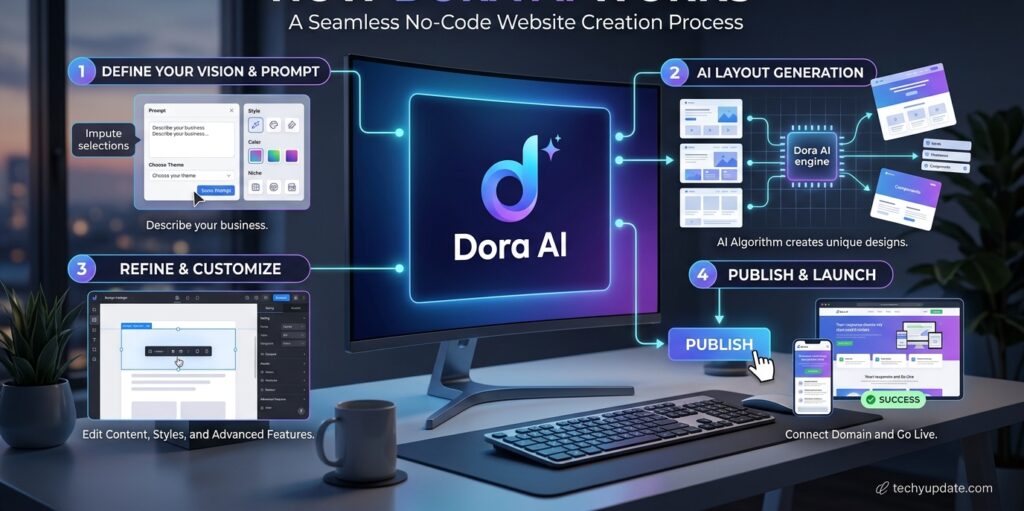
Dora’s sweet spot is visual-first, low-complexity sites rather than data-heavy business platforms:
- Freelance designers building 3D portfolios that stand out from a typical grid gallery.
- Creative agencies producing fast client-pitch prototypes without burning developer hours.
- Startups and campaign teams that need one striking landing page, not a full site architecture.
- Figma users who want a fast bridge from static design files to a live, animated site.
It’s a weaker fit for anyone who needs built-in blogging, e-commerce, or multi-page site management at scale — those workflows are more mature elsewhere in the market.
How to Use Dora AI
Getting a site live takes a handful of steps:
- Sign up for a free account and receive your starting 120 AI generation credits.
- Write a prompt describing your site’s purpose, tone, and industry.
- Let Dora generate a full layout with original copy, images, and structure.
- Refine in the visual editor — swap text, images, colors, and import any 3D assets.
- Add animation and effects, then preview across device sizes.
- Publish instantly to a free Dora.run subdomain, or connect a custom domain on a paid plan.
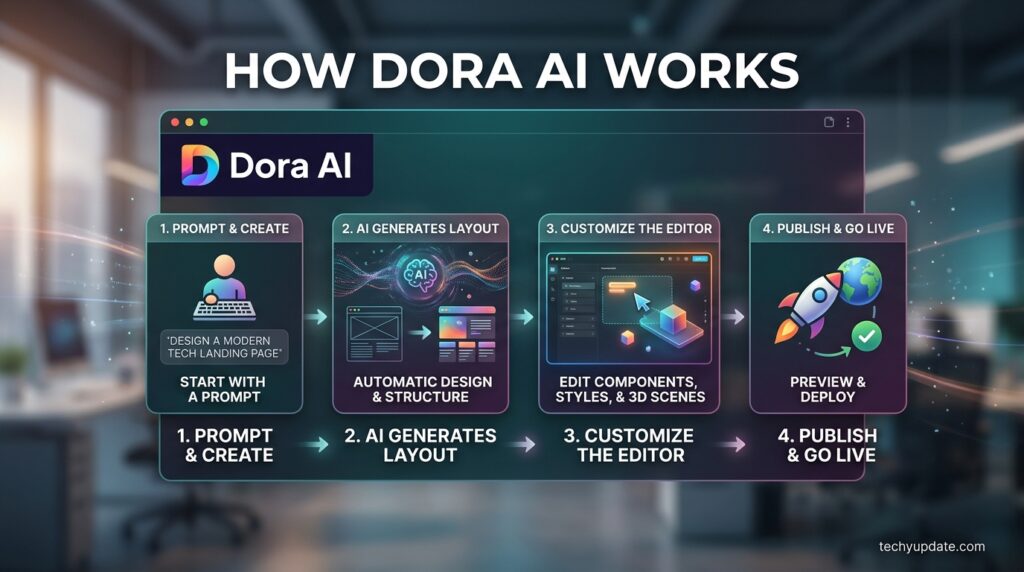
Simple sites can realistically go live within minutes; complex, animation-heavy builds take longer as you iterate through the editor.
What It Isn’t Great At
No honest review skips the rough edges, and Dora has a few specific ones worth naming directly:
- Figma-import editing friction. Multiple users report that once a Figma design is imported, making further edits inside Dora’s editor is noticeably harder than editing a native Dora generation.
- Responsiveness and visual glitches. Some generated pages have shipped with layout inconsistencies across breakpoints, a known risk of alpha-stage software.
- Support and billing responsiveness. A recurring complaint involves slow or unresponsive support around cancellations and refund requests, with some users reporting continued charges after canceling.
- No mature CMS or e-commerce layer. Unlike Webflow or Wix, Dora isn’t built for blogs, inventories, or complex data-driven pages.
Naming these clearly matters more than a vague “some users report bugs” — it tells you exactly what risk you’re accepting.
Real User Sentiment
Feedback on Product Hunt and independent directories is genuinely enthusiastic about the core creative experience — reviewers frequently highlight how quick it is to go from prompt to a polished, Figma-like editing environment, and praise the standout 3D interaction support compared to rival builders.
The tone shifts, though, once conversations move to operations: editing imported Figma files, inconsistent responsiveness on generated pages, and slow or unhelpful billing support come up repeatedly as the flip side of that early creative enthusiasm. The overall picture is a tool people genuinely enjoy using but don’t yet fully trust in operational terms.
Pros & Cons
| Pros | Cons |
|---|---|
| Genuinely original, template-free generation | Still in alpha — bugs and shifting pricing |
| Best-in-class no-code 3D/animation support | Figma-imported files are hard to edit further |
| Generous free tier (120 starter credits) | Support/refund handling draws real complaints |
| Fast for portfolios and single landing pages | No built-in CMS, blog, or e-commerce tooling |
| Figma import for design-to-web workflows | Custom domain locked behind paid plans |
Pricing Overview + Free Plan Analysis
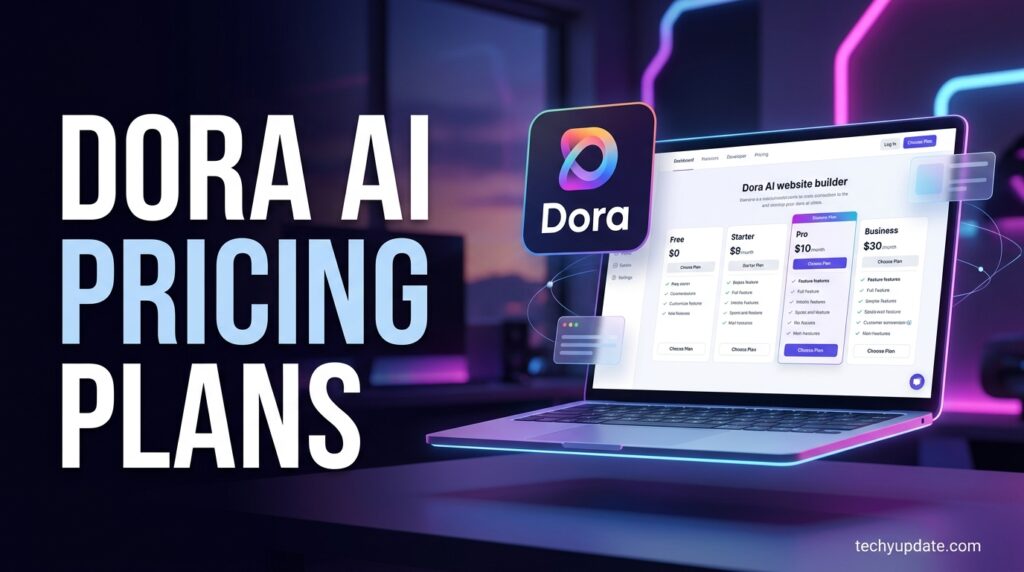
Dora’s current pricing sits in three tiers, though third-party trackers note the alpha-stage model may still shift:
- Starter (Free): SSL, instant publishing on a dora.run subdomain, 3D post-processing, community Discord support, and 120 AI generation credits for new accounts.
- Basic (~$14/month): Adds custom domain support and removes Dora branding.
- Pro (~$25/month): Unlocks the fuller feature set, including more advanced animation tooling and expanded capabilities; additional AI credits can be purchased separately.
The free plan is genuinely usable — you can build and publish a real, working site without paying anything, which is rare among AI builders that gate publishing itself behind a paywall. The catch is that a custom domain, arguably the single most common upgrade trigger, requires Basic at minimum.
If you’re specifically hunting for how to use Dora AI for free, the honest answer is: sign up, use your starter credits, and publish on the free subdomain — no card required for that path.
Value-for-Money Verdict
For portfolio and single-landing-page use cases, Dora’s free tier alone often delivers enough value that many users never need to upgrade. Once you need a custom domain or more advanced animation work, the Basic and Pro tiers fall within a fair, if not cheap, range compared to competitors like Webflow.
The value equation weakens if you’re paying for reliability guarantees, Dora, as an alpha product, can’t fully promise yet. Budget-conscious buyers who want the best free alternative to Dora AI with greater stability may want to consider Framer’s free tier, covered next.
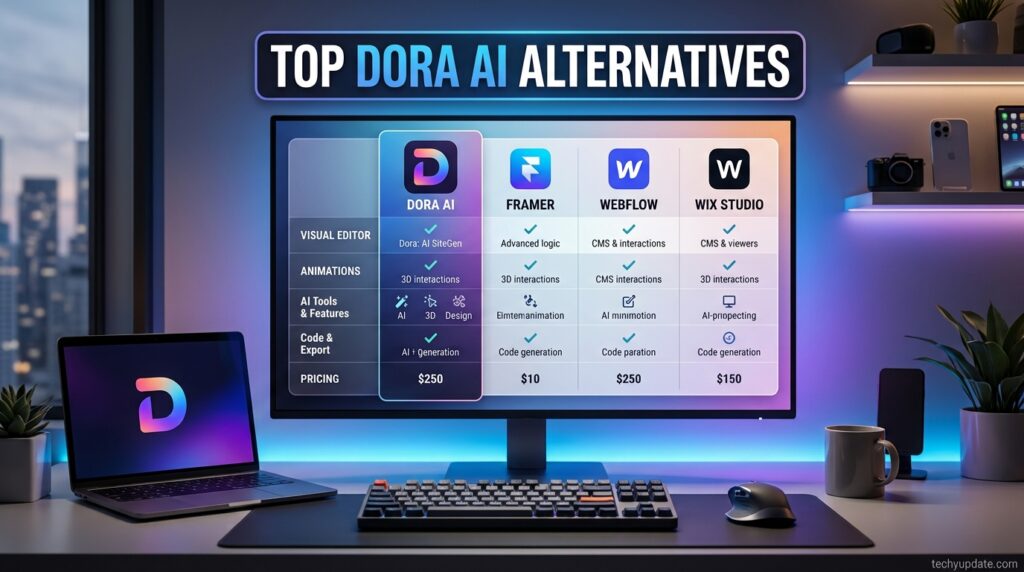
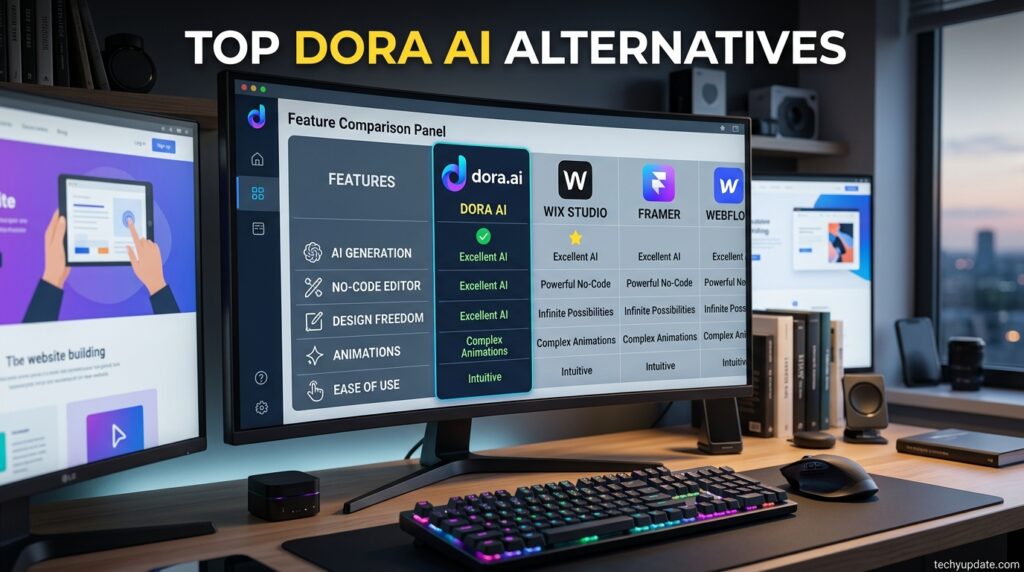
Top 3 Alternatives
1. Framer AI (Free tier, then $5–$30/month) — The closest direct competitor, with a more mature no-code editor, stronger CMS support, and broader plugin ecosystem, though its native 3D/animation depth doesn’t match Dora’s.
2. Webflow ($14–$39/month) — The go-to pick if you need serious CMS and SEO infrastructure alongside AI-assisted design; more complex to learn, but far more production-ready for content-heavy sites.
3. Durable (best free alternative) — A genuinely free-friendly, fast AI site generator aimed at small businesses that need a simple, functional site up in minutes rather than an animated showcase.
Quick Comparison: Dora AI vs Framer AI
| Feature | Dora AI | Framer AI |
|---|---|---|
| Core focus | 3D/animated site generation | General-purpose no-code sites |
| Starting price | Free (120 credits) | Free tier available |
| Paid tiers | ~$14–$25/month | ~$5–$30/month |
| CMS maturity | Limited | Stronger, more established |
| 3D/animation support | Native, best-in-class | Basic animation only |
| Development stage | Alpha/Beta | Mature, stable release |
Who Should Pick What
Choose Dora AI if your priority is a visually distinctive, animated, or 3D-forward site and you’re comfortable with some alpha-stage rough edges. Choose Framer AI if you want a more stable, feature-complete no-code platform with better content management as your site grows. Choose Durable if you just need a simple, functional business site, free and fast, with no animation ambitions.
Read more: Leonardo AI Review 2026: Is It Legit?
Frequently Asked Questions
Is Dora AI free to use?
Yes. New accounts get 120 free AI generation credits, full access to the no-code editor, and instant publishing on a dora. Run a subdomain with SSL included, no payment required to launch a real site.
Is Dora AI legit or a scam?
Dora AI is a legitimate, actively developed product with a real team and active community, though as an alpha-stage tool, it has reported issues with support and billing responsiveness.
What is the best free alternative to Dora AI?
Durable is a strong, free, friendly alternative for simple business sites, while Framer AI’s free tier suits users who want a more mature, general-purpose no-code editor instead.
How do I use Dora AI for free?
Sign up, write a prompt describing your site, refine it in the editor using your starter credits, then publish instantly to the free dora.run subdomain without entering payment details.
Does Dora AI support e-commerce or blogging?
Not natively at a mature level. Dora focuses on visually striking single sites and landing pages rather than the CMS or store infrastructure found in tools like Webflow or Wix.
Final Verdict
Dora AI earns its spot as one of the most creatively interesting AI website builders around right now, especially for anyone chasing a genuinely animated, 3D-forward site without touching code. The free tier is generous enough to actually ship something real, and the Figma-to-web workflow is a real time-saver for designers.
But it’s still an alpha product, and that shows in named, specific ways: editing imported Figma files is clunky, some generated pages ship with responsiveness quirks, and support/refund handling has drawn real complaints. If you want striking visuals and can tolerate some rough edges, Dora AI is worth trying today. Just start on the free plan before committing a card to anything.